


What you can create

Core outputs for modern digital signage

Build professional menus, promotions, event graphics, and information screens with fast in-house control and consistent branding.

Portrait + Landscape

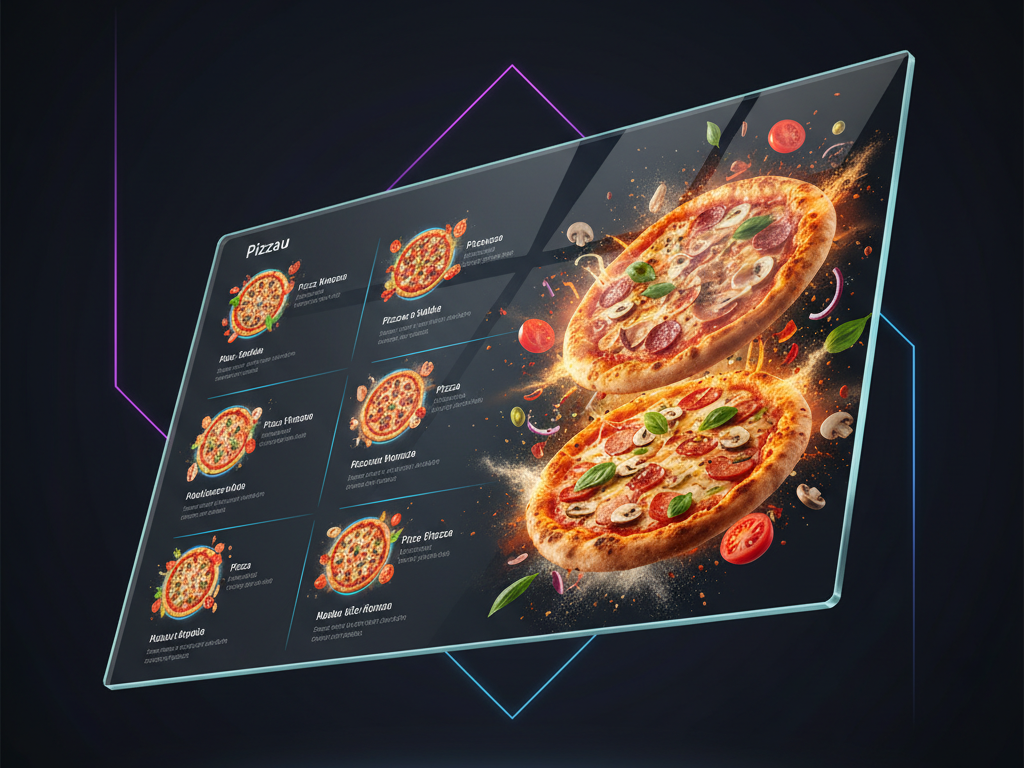
Menus

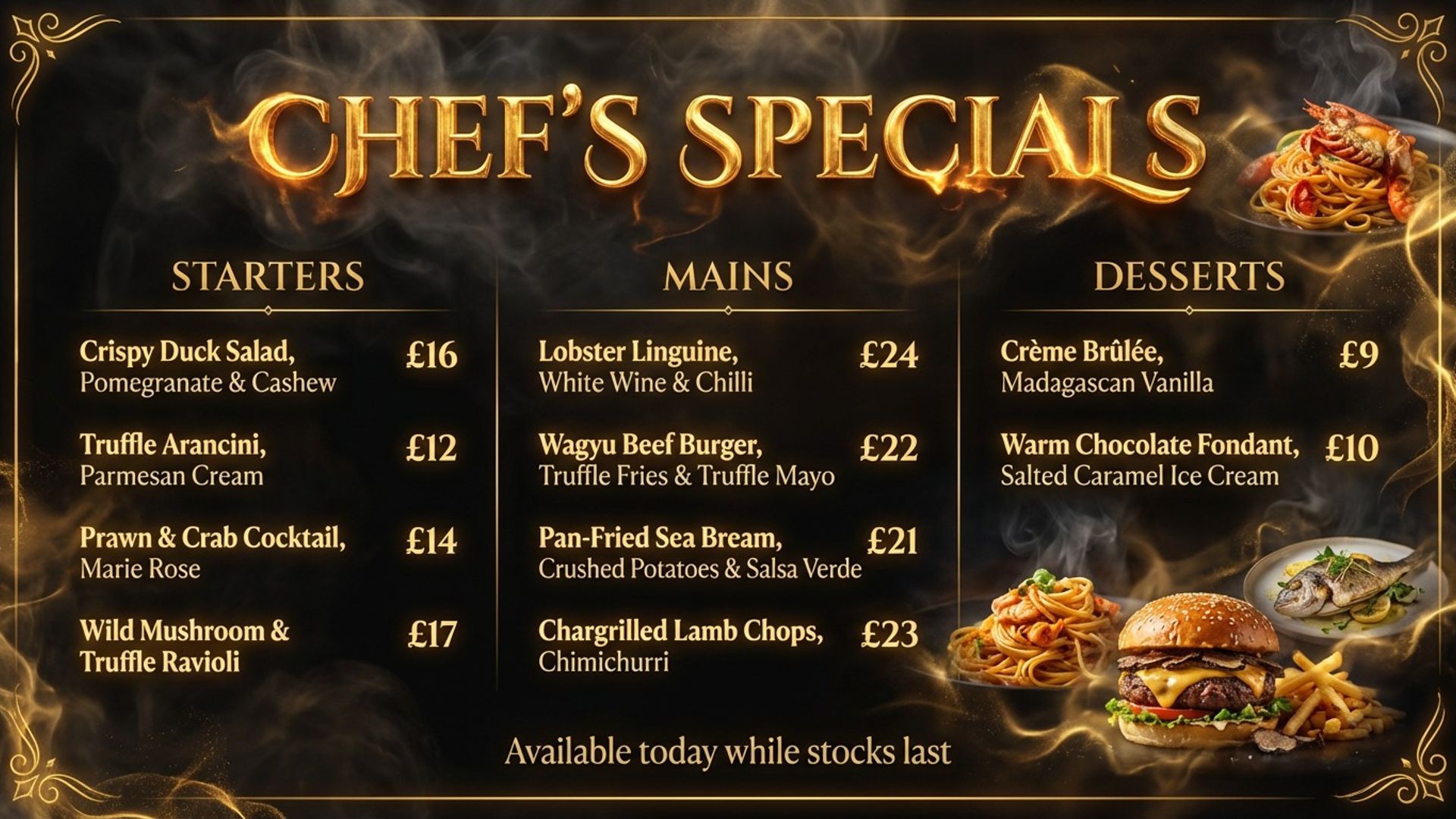
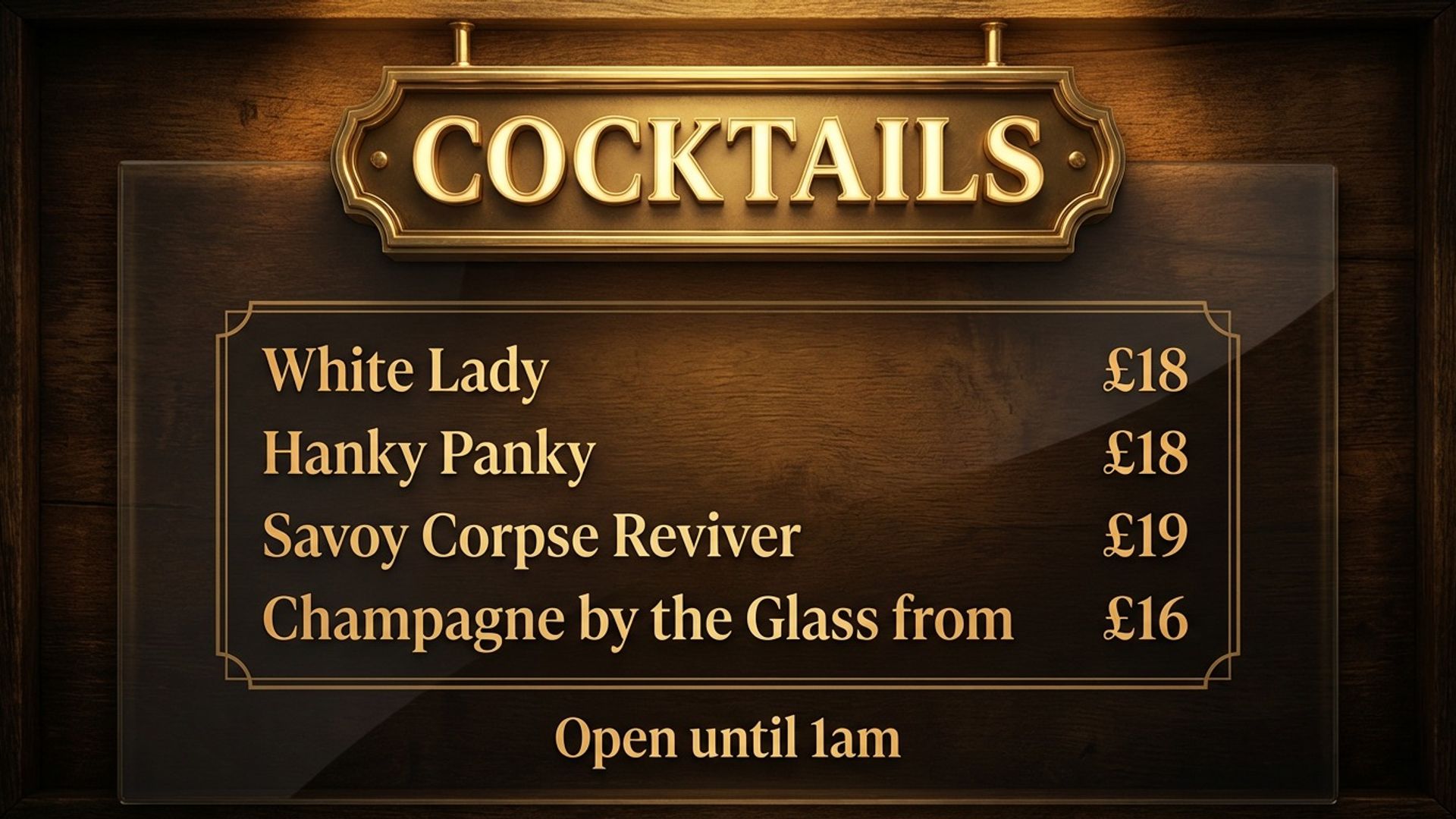
Update menus, offers, and key details quickly with clear hierarchy built for real screen viewing.

Fast variants

Promotions

Publish offers and promotional messaging with on-brand layouts you can update in minutes.

High-impact layouts

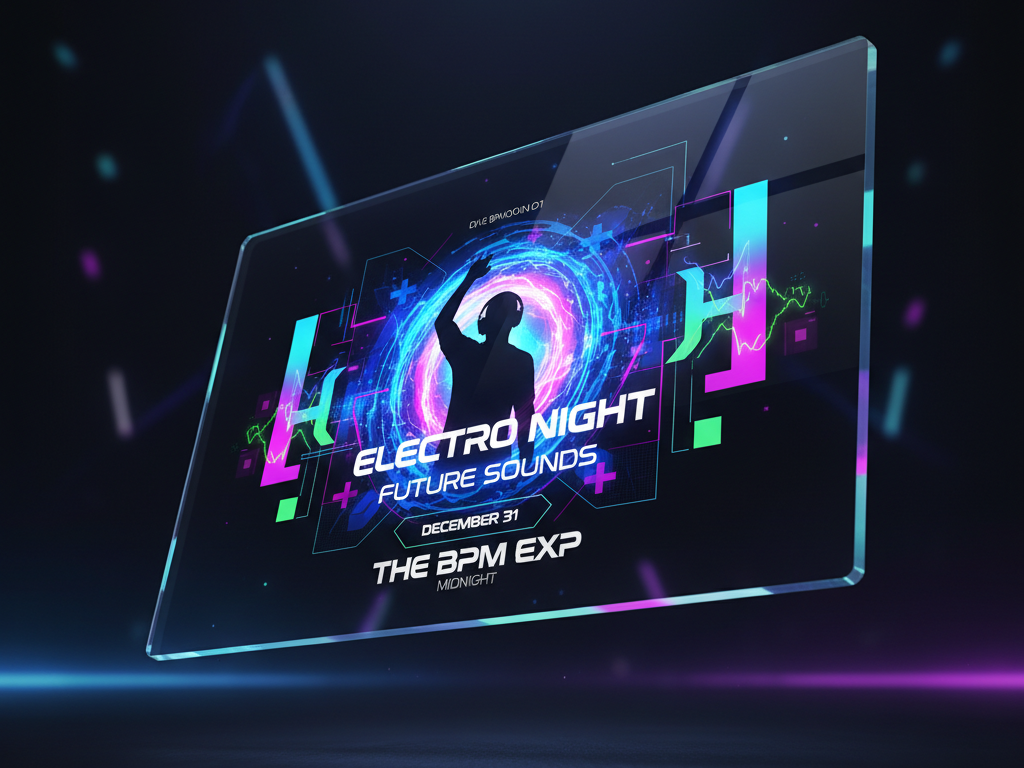
Event graphics

Run lineups, schedules, and announcements with fast updates between events.

Always readable

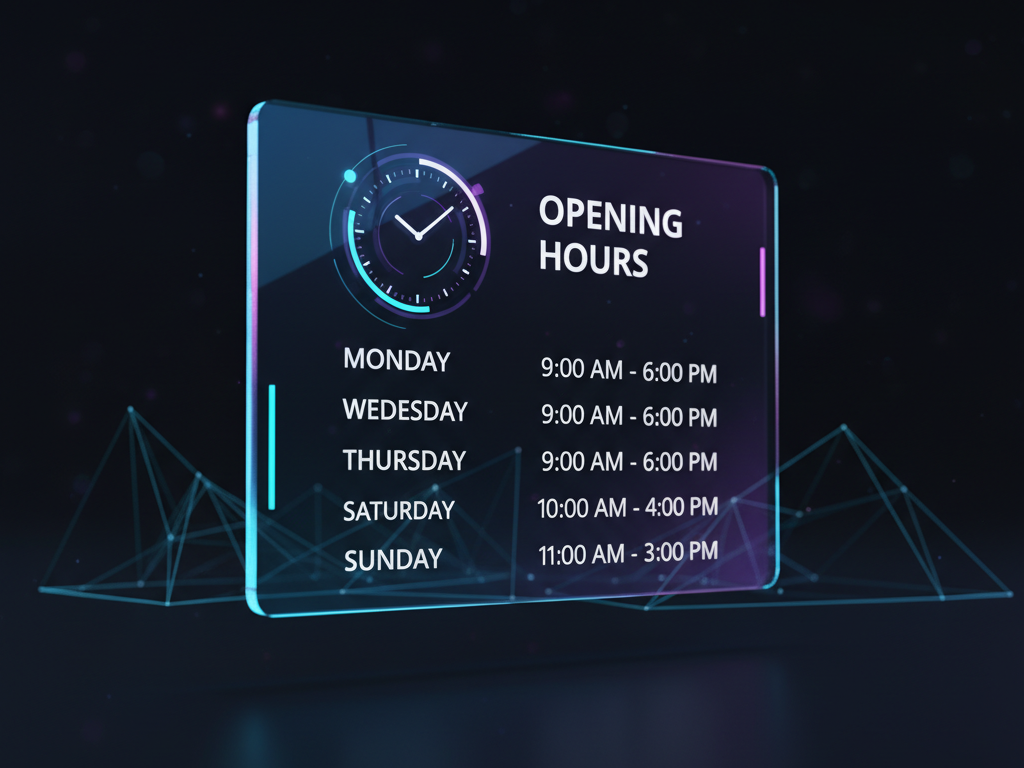
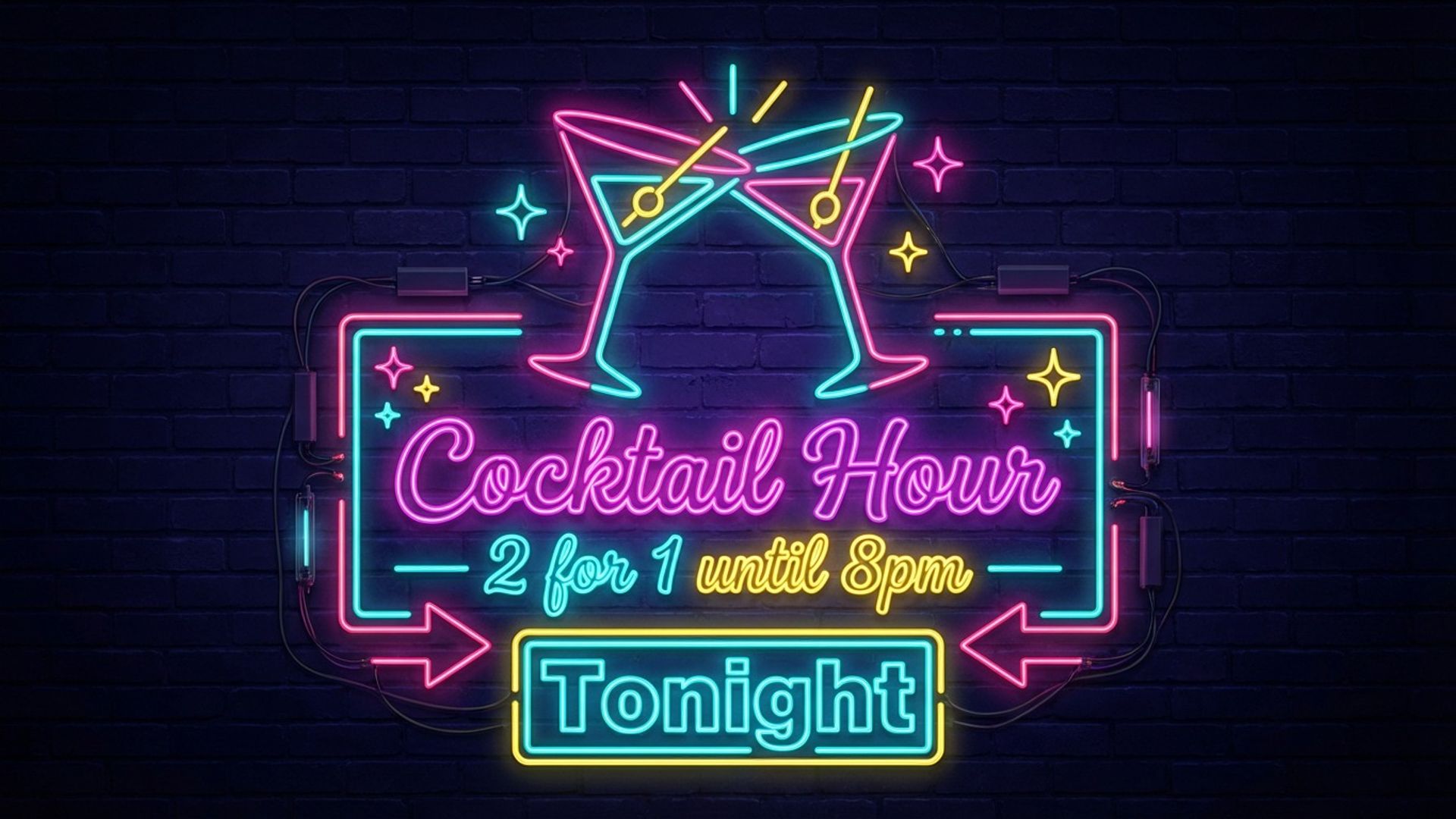
Opening hours

Keep opening hours clear across window and lobby screens, with quick edits when times change.

Contact ready

Contact + QR

Share phone, email, and website with scannable QR content that stays consistent across every screen.

Clear structure

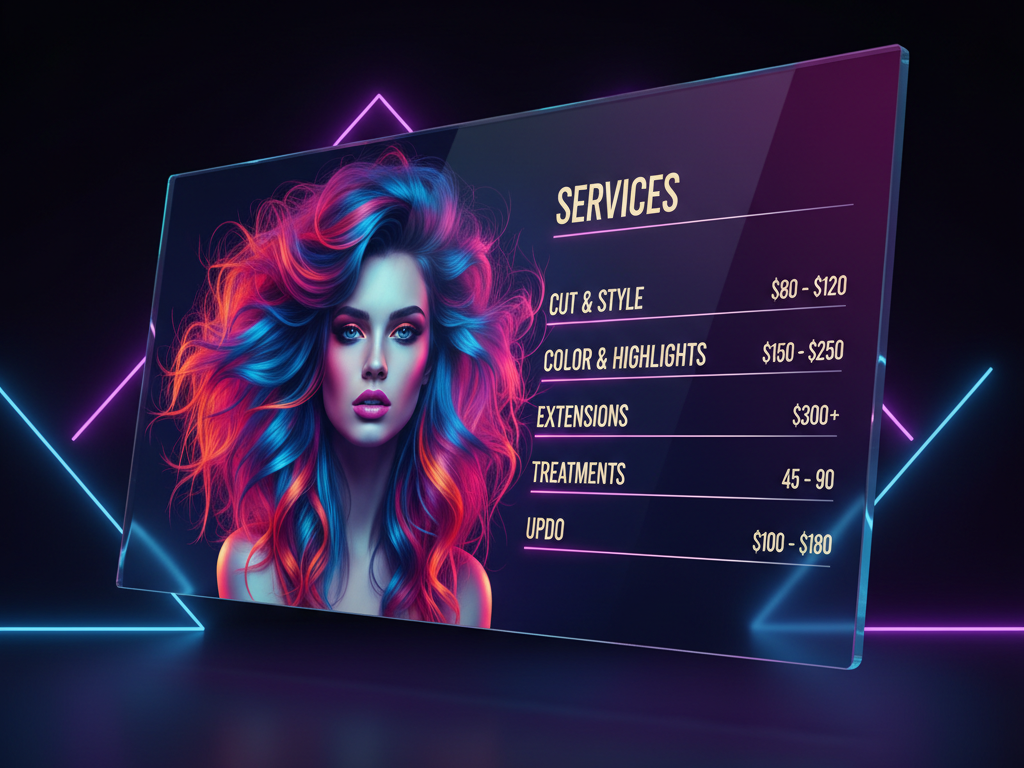
Services

List services with clear pricing and structure for salons, barbers, beauty businesses, and clinics.

Built for restaurants, takeaways, cafes, bakeries, retail, salons, barbers, beauty, gyms, and service businesses.

Platform capabilities

Professional control, built into your workflow.

Designed for the content that matters most. clear, professional, instantly readable signage your customers actually notice. Keep screen updates in-house with practical editing, reusable projects, and optional managed setup when you need support.

Brand locked

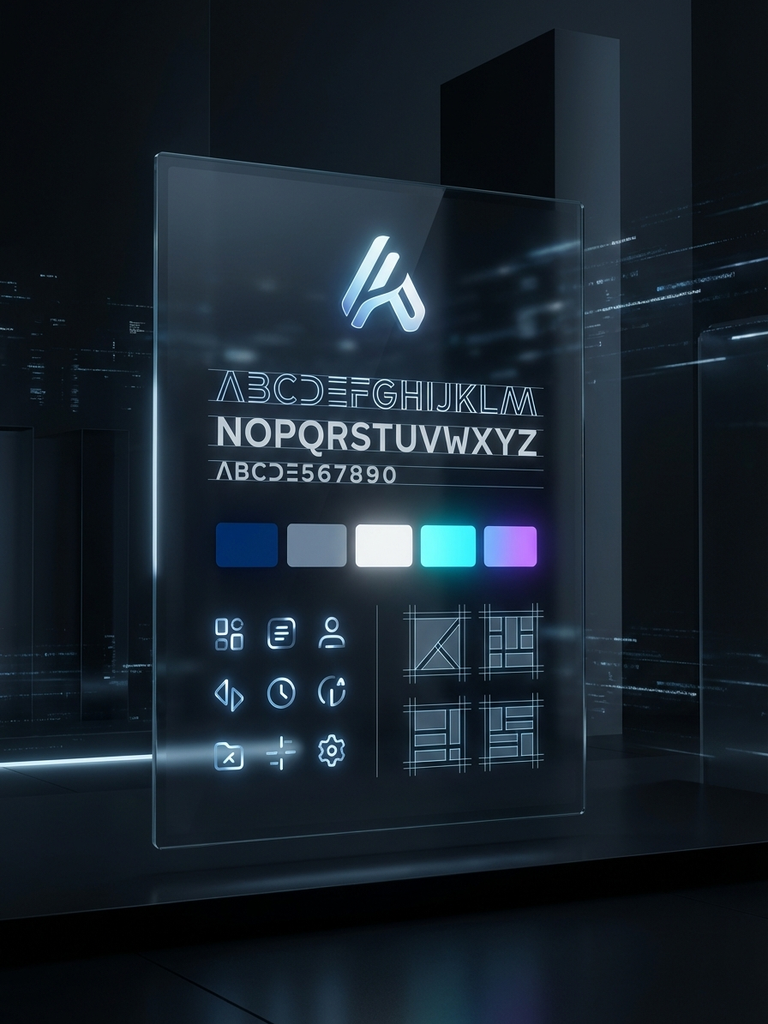
Brand Profile Page

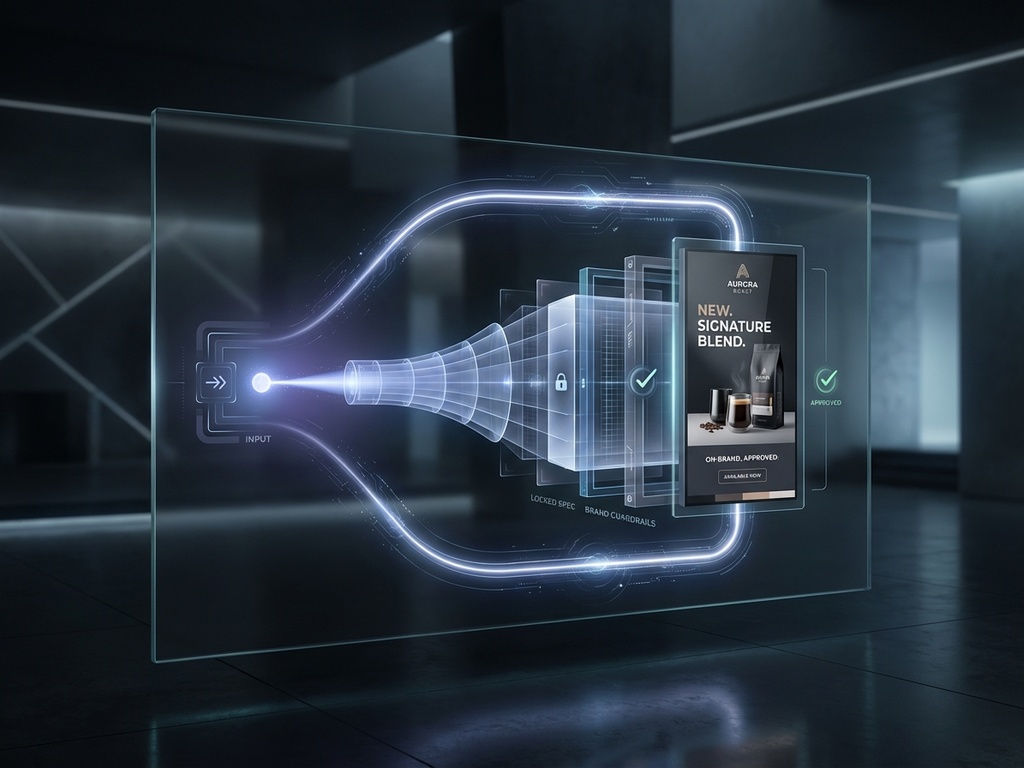
Upload logos, colours, fonts, and brand assets so every screen update stays consistent.

Identity

Brand Assets

Create and store screen-ready brand assets so every update stays consistent without extra design rounds.

Reusable

Save & Update Projects

Save designs and update prices, offers, or messages anytime. without starting over.

Guided flow

Guided Builder

Step-by-step creation that turns a rough message into a professional layout you can publish quickly.

60+ styles

Rapid Builder

Start from a short prompt and get a finished draft in seconds. Choose from 60+ curated design styles including modern, art deco, chalkboard, letterpress, and more, with creative controls for theme, typography, layout, and effects. Every output is brand-locked and screen-ready.

Done-for-you

Managed Design Setup

Prefer done-for-you? Our team builds and configures your brand system.

How SimplScreens compares

There are several ways to get content onto your screens. Here's how SimplScreens fits in.

ApproachTurnaroundCostSkill neededScreen managementBest for
Hiring a designer2–5 days per update£50–£200 per designBriefing & feedback cyclesNoneOne-off brand collateral
DIY with Canva / PowerPoint30–60 minutesFree–£10/monthDesign & layout skillsNoneTeams with design confidence
Full digital signage CMSVaries£30–£300/month + hardwareTechnical setup & playlist managementYes, but complex setupLarge enterprises with IT support
SimplScreensUnder 5 minutesFrom £29/monthNone. Describe what you need in plain textBuilt-in: real-time sync, offline resilience, device monitoringSmall businesses updating screens frequently

Reliability

Your screens keep playing, even when things go wrong.

Digital signage needs to work all day, every day. SimplScreens is built with device monitoring, offline resilience, and automatic recovery so your screens never go dark.

Real-time sync

Hit publish and your screens update instantly. No manual uploads, no USB sticks, no waiting.

Device monitoring

Every connected screen sends regular heartbeat signals. Your dashboard shows online, offline, and stale status at a glance.

Offline resilience

If your internet drops, screens keep playing from cached playlists. No blank screens, no error messages. Content continues uninterrupted.

Auto-reconnect

When connectivity returns, devices reconnect automatically and pull any updates you published in the meantime. No manual restarts needed.

Canva, PowerPoint, and freelance designers don't manage your screens. SimplScreens does.

Who it’s for

Built for businesses that need screens kept current.

From menus to promotions, SimplScreens gives you direct control over what customers see, without the usual delays and repeated design fees.

Portrait 1080×1920

Restaurants, cafés & takeaways

Update menus, offers, and key details quickly. without waiting on a designer for every change.

  • Menu and offer updates in minutes
  • Daily specials and combo deals
  • Quick updates when menu details or stock change

Readable from distance

Landscape 1920×1080

Pubs & hospitality

Publish drink offers, event nights, and seasonal promotions across your venue with in-house control.

  • Drinks boards and happy hour offers
  • Live sport and event nights
  • Seasonal promos updated in minutes

Readable from distance

Estate agents

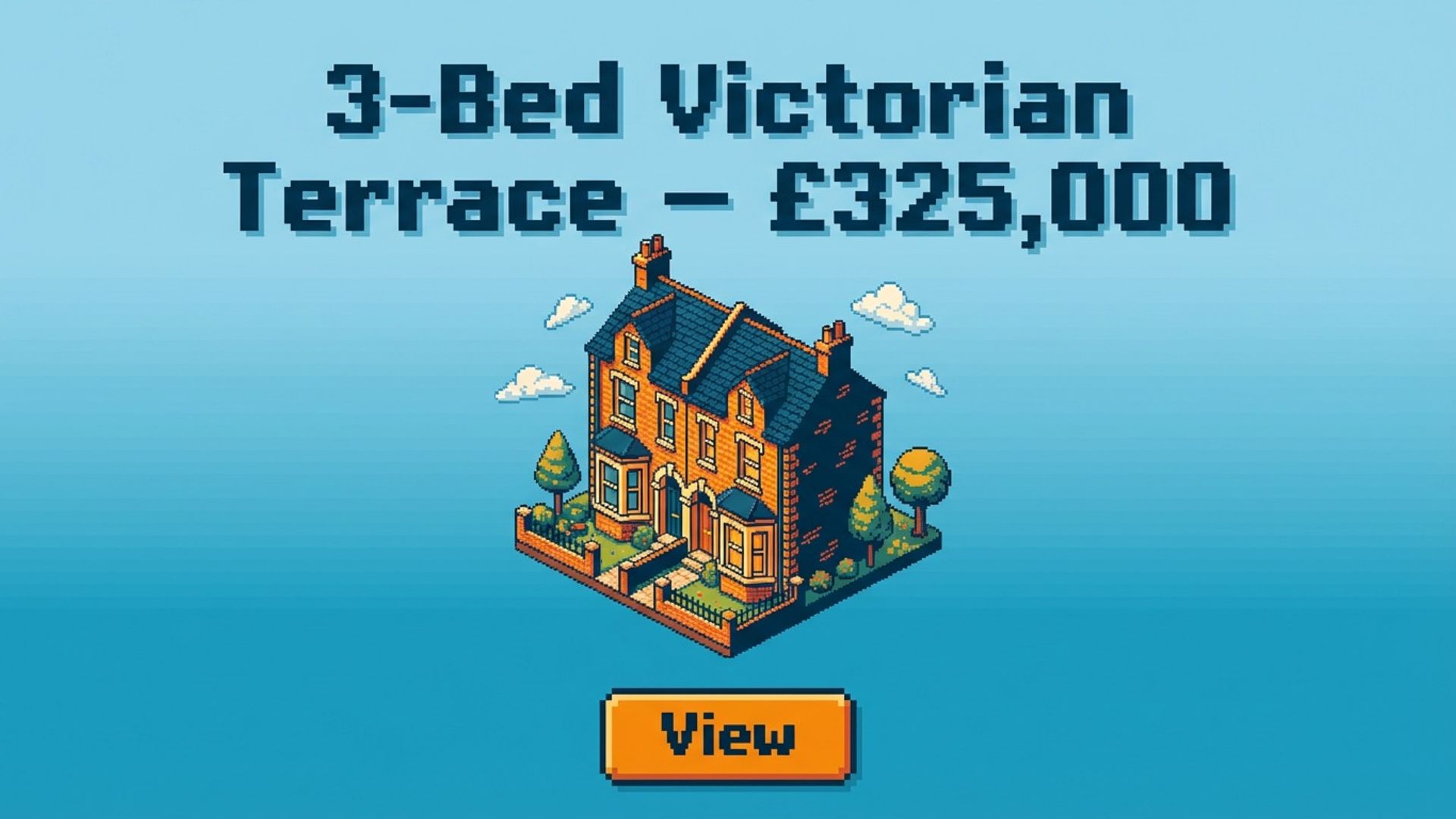
Keep property window displays current by swapping listings and updating key messages quickly.

  • Window listings and feature properties
  • Easy weekly refreshes
  • Consistent formatting across branches

Readable from distance

Salons & service businesses

Refresh promotions, service pricing, and key messages with ease across barbers, beauty, gyms, and clinics.

  • Service and pricing screens
  • Seasonal promotions updated fast
  • Professional output without repeated design fees

Readable from distance

Retail

Push offers, clear stock, and run professional promotions with in-house control.

  • Sales and clearance campaigns
  • Update promotion messaging as stock levels change
  • Consistent branding across locations

Readable from distance

Landscape 2560×1440

Sports & concert venues

Update schedules, lineups, and announcements across venue screens. quickly and with high impact.

  • Lineups, schedules, what’s on
  • Sponsor slides and announcements
  • Fast updates between events

Readable from distance

Pricing

Plans built for professional in-house updates.

Stop paying for repeated design changes. Pick the plan that matches your update volume and keep control in-house.

Starter

£29/month

Fast in-house screen updates for one location. 15 graphic credits and 1 screen licence included.

  • 15 graphic credits per month
  • 1 screen licence included
  • Brand profile and logo upload
  • Portrait + landscape outputs
  • Export-ready files
Get started

No lock-in. Cancel anytime.

Growth

£49/month

More updates, more screens, and stronger control for growing businesses.

  • 35 graphic credits per month
  • 2 screen licences included
  • Advanced brand consistency
  • Multi-variant promo sets
  • Priority rendering
Get started

Most popular plan.

Multi-Site

£99/month

High-volume updates and multi-location management for chains and groups that need fast rollouts.

  • 80 graphic credits per month
  • 4 screen licences included
  • Cross-location design reuse
  • Team workflows and permissions
  • Premium support
Get started

Best value for multi-site teams.

Prices shown exclude VAT. Cancel anytime.

FAQ

Everything you need to know before you publish.

How SimplScreens works, what you can create, how updates and branding are handled, and what you own.

SimplScreens creates finished, screen-ready designs: menus, promotions, event graphics, information screens, and service displays. The goal is not “assets you still need to design”, but complete layouts with hierarchy, spacing, and readability already solved.

Outputs are designed for real viewing conditions (distance, glare, motion, and limited attention). That means clear type sizing, strong contrast, and structured layouts that work on portrait and landscape displays.

No. SimplScreens isn’t built around manual drag-and-drop design. It’s a guided system that turns your content into a complete, professional layout. then lets you make practical updates (like prices, offers, dates, or items) without rebuilding from scratch.

SimplScreens is designed for businesses that want professional results quickly, even if they don’t have design skills or time to learn a full editor workflow.

You provide the key details (items, prices, offer, tone, business type, optional brand assets). SimplScreens then builds a structured layout using proven signage composition rules: hierarchy, grouping, spacing, and contrast.

You can also guide the outcome by specifying things like: “portrait menu for a window screen”, “luxury feel”, “fiery theme”, or “high-contrast readable type”. The system is designed to turn simple inputs into professional compositions.

Yes. SimplScreens is built around brand consistency. You can store your logo, colours, fonts, imagery, and style preferences in a brand profile so outputs follow the same identity across menus, promotions, and event designs.

Once your brand profile is set, you can create new designs that feel like part of the same system: consistent typography, colour usage, spacing, and tone, without re-explaining your brand every time.

SimplScreens supports the formats businesses actually use on screens: portrait (1080×1920), landscape (1920×1080), and square (1080×1080). Outputs are composed specifically for each format rather than simply resized.

Because digital signage is often viewed at distance, the layouts are designed with readable typography and safe spacing so important information doesn’t sit too close to the edges.

Yes. SimplScreens is designed for updates. If you need to change a price, swap a product, update a date, or adjust an offer, you should not have to start again from zero.

Projects can be saved and revisited so you can make quick, practical edits, keeping the same layout and style while changing the content that needs refreshed.

Signage is usually seen from 2–10+ metres away, often while people are moving. That changes everything: text must be larger, contrast must be stronger, and layout must be simpler and more structured.

SimplScreens is focused on signage principles: readable hierarchy, strong spacing, limited clutter, and clear information grouping, so outputs work in real environments, not just on a phone.

No. SimplScreens is built for non-designers who still want professional-looking results. The system guides the process and produces finished layouts that follow proven design logic.

If you are a designer, you can still use SimplScreens to speed up production, generate variations, and build a reusable asset library faster.

SimplScreens is designed for businesses that regularly need on-screen content: restaurants and takeaways, cafés and bakeries, retail, salons, barbers, beauty, gyms, and local service businesses.

If your business needs to publish visual information clearly and consistently on a screen, and update it often, SimplScreens is built for that workflow.

Yes. SimplScreens supports creating variations so you can explore different layouts, tones, and visual treatments without rewriting your brief from scratch.

This is useful for seasonal campaigns, testing different promotional styles, or producing a set of consistent graphics for multiple locations.

Each design you create can be saved as a project. Projects let you return later, update content, create variations, and keep a library of assets for your business.

This is especially useful for signage because menus and promotions need regular updates, and projects prevent you from losing time recreating work.

Depending on your plan, yes. Team workflows are designed to help businesses with multiple staff or locations manage content without breaking brand consistency.

The goal is to keep creation fast, approvals simple, and outputs consistent, especially when several people contribute to updates.

You export screen-ready files intended for digital signage deployment. The export is designed to be immediately usable, not a “work in progress” that needs rebuilding elsewhere.

Specific export formats and options may depend on your deployment workflow, but the principle is the same: exports should be ready to publish to screens.

Yes. You can manage separate brand profiles and generate outputs for different locations, sub-brands, or campaigns.

This is ideal for hospitality groups, retail chains, or venues that need consistent design while changing local details like pricing or events.

You own the outputs you generate for your business use. SimplScreens is designed so businesses can publish what they create without worrying about unclear usage rights.

If you upload your own brand assets (logos, photos), those remain yours and are used only to generate outputs for your account.

SimplScreens is built with privacy in mind. Brand assets and project content are stored securely and are used only to generate and manage your outputs.

If your workflow involves sensitive information, you should still avoid uploading anything you wouldn’t want stored. but normal branding and menu content is exactly what the platform is built to handle.

SimplScreens is designed to feel immediate, fast enough to explore ideas and produce outputs without waiting minutes per attempt.

Because signage often needs quick turnaround, speed is part of the product experience, not an afterthought.

A graphic credit is used each time you create a new design: a menu, promotion, event graphic, or any screen layout. One credit equals one finished design.

Quick edits to an existing design (changing prices, swapping items, or updating a date) don’t use a credit. Credits reset monthly on your billing date, and top-up packs are available if you need more.

A screen licence covers one physical display you deploy content to. Each plan includes a set number of licences (Starter: 1, Growth: 2, Multi-Site: 4). Additional screens are £5/month each.

Licences can be added or removed at any time from your billing dashboard.

Yes. Credit top-up packs are available from 5 credits (£10) to 40 credits (£60). The more you buy, the lower the per-credit cost.

Top-up credits never expire and roll over month to month, so you can stock up when you know a busy period is coming.

Yes. If you’d rather not set up brand profiles, guidelines, or design rules, SimplScreens offers a managed setup option where our team configures your system for you.

This is useful for businesses that want premium results with minimal effort, especially when rolling out signage across multiple screens or locations.

Start with one real use case: a menu, a promo, or an event graphic you actually need this week. Add your logo and brand colours if you have them, then create a first design.

Once you have an output you like, save it as a project and use it as your baseline. Over time you’ll build a consistent library of screen-ready assets that are easy to update.

It's the full editor. You get the same AI generation engine, the same brand controls, and the same publish workflow on your phone as you do on desktop. Nothing is stripped down or hidden behind a 'switch to desktop' prompt.

The mobile app is built natively for phones, not a shrunken desktop layout. It includes offline editing so changes queue up if your connection drops, and sync automatically when you're back online.

Yes. That's the point. Walk in, see that today's special has changed, open the app, update the text, hit publish. Your screens update in real time. The whole process takes seconds, not minutes.

There's no need to go back to an office, open a laptop, or call someone. Phone-first publishing is built into every plan.

SimplScreens uses over 60 curated design styles, from clean modern layouts to art deco, chalkboard, letterpress, and more. These aren't generic templates. Each style has been tuned for signage-specific rules: readable typography, strong contrast, proper hierarchy, and correct safe zones for real screens.

Your brand profile locks in your colours, logo placement, and tone, so every output looks like it belongs to your business. You can also fine-tune theme, typography style, layout density, and graphic effects before generating.

Yes. You can choose from 60+ visual styles and adjust creative controls including theme, typography, layout density, image usage, and text effects. You're not locked into one look.

This means the same café can produce a hand-drawn chalkboard menu and a clean modern promotion, both brand-consistent, both screen-ready, both generated in under five minutes.

Your screens keep playing. SimplScreens caches your current playlist on each device, so if your connection drops, the last-published content continues to display. No blank screens, no error messages.

When the connection comes back, devices reconnect automatically and pull any updates you published in the meantime. You don't need to restart anything.

Your device dashboard shows real-time online and offline status for every connected screen. Devices send regular heartbeat signals so you can see at a glance which screens are running and which need attention.

If a screen goes offline, you'll see it immediately. No guessing, no driving to a venue to check.

Right now, SimplScreens focuses on high-quality static graphics: menus, promotions, event boards, brand signage, and service displays. We've designed the system around getting these right first: sharp typography, brand-locked colours, professional layouts that work at real viewing distances.

Animated and video content is on our roadmap. But most venue signage is static for a reason: clear, professional, instantly readable content is what actually drives customer attention. That's what SimplScreens is built to deliver.

No. Menus and promotions are the most common use cases, but SimplScreens handles a much broader range: event graphics, job vacancy boards, loyalty and membership offers, seasonal campaigns, service displays, contact and QR screens, opening hours, welcome messages, and multi-screen playlists.

If it belongs on a screen in your venue and you want to control it yourself, SimplScreens is designed for it.

Ready?

Keep your screens current with less friction.

Create, edit, and publish professional screen content in minutes, in-house, without the usual delays and external design turnaround.

Example prompt:
Update our lunch menu and publish a new seasonal offer

14-day free trial · No credit card required

Fast to start. Easy to run. Built for real-world digital signage.

Full layoutReady to publish

Kebab Shop Menu • Portrait 1080×1920

Headline
Midnight Ember Kebab Bar
Chef special

Charred Harissa Chicken — $12.90

Smoky Lamb Stack — $13.40

Citrus Sumac Fries — $6.50

Sides & drinks

Roasted Pepper Dip — $4.90

Stone-Brewed Soda — $5.20

Charcoal Lime Tea — $4.60

Feature window

Charcoal Fired Mezze

Editorial panel

Late-night service, 4pm – 2am daily